
Returning to IT After a Career Break: Skills, Resume and Course Plan in 2027
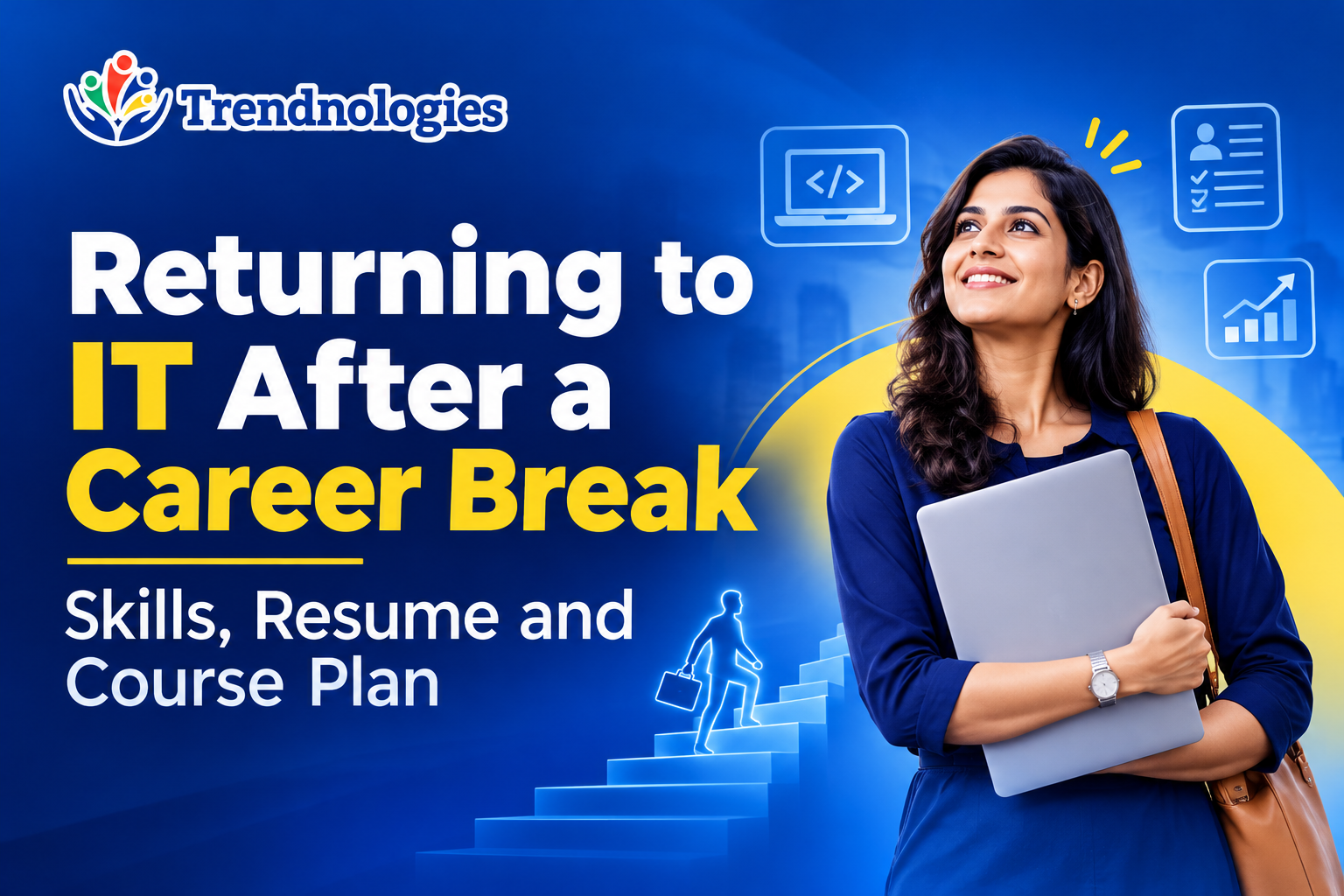
Returning to the IT industry after a career break may feel challenging, especially when technologies, tools and job requirements have changed. However, your previous professional experience is still valuable. With updated technical skills, a relevant project and a focused job-search plan, you can prepare for new opportunities.
This guide explains how to restart your IT career, address employment gaps and choose suitable software training programs.
1. Can You Return to IT After a Career Break?
Yes! Experienced professionals can return to the IT industry after taking time away for family responsibilities, personal reasons, higher studies or other commitments.
Your previous experience gives you an advantage because you may already understand workplace processes, project responsibilities, client communication and professional expectations.
Before applying for jobs, identify:
● Your previous IT role and responsibilities.
● Technologies you worked with earlier.
● Skills that need refreshing.
● New tools relevant to your target position.
● Job roles that match your previous experience.
Tip: You do not always need to start your career from zero. Build on your existing experience while updating your technical knowledge.
2. How to Explain an Employment Gap in Your Resume and Interview
One common concern among returning professionals is how recruiters will view an employment gap.
The best approach is to be honest, professional and confident. You do not need to provide unnecessary personal details.
How to explain your career break
Prepare a short explanation covering three points:
- Reason for the break: Briefly explain why you stepped away from work.
- Current preparation: Mention how you are refreshing your technical knowledge.
- Career direction: Explain the type of opportunity you are now seeking.
For example:
“I took a career break due to personal responsibilities. I am now preparing to return to the IT industry by refreshing my technical skills, learning updated tools and working on practical projects. I am interested in opportunities where I can use my previous experience and current technical knowledge.”
Resume tips for returning professionals
● Highlight your previous professional experience.
● Add recently updated technical skills.
● Include relevant certifications and training.
● Mention one current practical project.
● Use a clear and professional career summary.
● Avoid hiding employment dates or providing misleading information.
Your previous experience and recent learning should work together to demonstrate your readiness.
3. Refresh Your Technical Fundamentals
Technology evolves quickly. Even if you previously worked in IT, revisiting important fundamentals can help you regain confidence.
Focus on technologies related to your previous role or intended career direction.
Previous experience | Skills to refresh |
Software Developer | Java, Python, JavaScript, APIs, Git |
Software Tester | Manual testing, Selenium, Playwright |
Data Analyst | SQL, Excel, Power BI |
Data Engineer | Python, SQL, ETL, Snowflake |
Cloud Engineer | AWS, Linux, Docker, DevOps |
Application Support | SQL, Linux, troubleshooting, cloud basics |
You can also explore emerging technologies such as Artificial Intelligence, Generative AI and automation.
Do not attempt to learn every new technology. Concentrate on skills that complement your previous experience.
4. Choose the Right Course to Restart Your IT Career
A structured software training program can help returning professionals update their knowledge and understand current industry tools.
Consider these learning options:
● Data Analytics: Refresh SQL, Excel, Power BI and data visualisation through Data Analytics Training.
● AI Data Engineering: Explore Python, SQL, data pipelines and modern data technologies through AI Data Engineering Training.
● Software Testing: Update your testing knowledge and explore browser automation through Playwright Training.
● Generative AI: Understand LLMs, prompt engineering, LangChain and AI applications through Gen AI Training.
Choose a course based on your previous experience, current skill gaps and target job role.
5. Build One Current Project to Demonstrate Your Skills
One well-developed project can help demonstrate that your technical knowledge is current.
Instead of collecting multiple certificates, focus on completing one relevant project that connects with your previous experience.
Examples include:
● Software Testing: Automate login and checkout workflows using Playwright.
● Data Analytics: Build a business performance dashboard using Power BI.
● Data Engineering: Create a basic ETL pipeline using Python and SQL.
● Software Development: Develop a simple web application with database integration.
● Generative AI: Build a document-based chatbot using an LLM API.
How to complete your project
● Select a project related to your target job.
● Identify the tools and technologies required.
● Build the project in manageable stages.
● Test the functionality and resolve errors.
● Document the implementation and results.
● Prepare a demonstration for interviews.
● Upload suitable code and documentation to GitHub or create a portfolio presentation.
Practical tip: Be prepared to explain why you selected the tools, how you solved problems and what you learned from the project.
6. A Phased IT Career Re-entry Plan
Returning to IT becomes more manageable when you divide your preparation into achievable phases.
Phase | Focus | Activities |
Phase 1 | Skill assessment | Review previous experience and identify knowledge gaps |
Phase 2 | Technical revision | Refresh programming, databases and role-specific tools |
Phase 3 | Advanced learning | Explore updated frameworks and relevant technologies |
Phase 4 | Project development | Complete one practical project |
Phase 5 | Career preparation | Update resume, LinkedIn and technical knowledge |
Phase 6 | Job applications | Attend mock interviews and apply for suitable roles |
Suggested weekly routine
● 30 minutes: Revise previously learned concepts.
● 60 minutes: Learn updated technical topics.
● 60 minutes: Practise with tools and assignments.
● 30 minutes: Work on your project or interview preparation.
Adjust this routine depending on your family responsibilities, available time and previous experience.
The duration of your re-entry preparation will vary. Some professionals may need only a technical refresher, while others may require more extensive training.
7. Prepare for Technical Interviews and Job Applications
Once your skills and project are ready, focus on presenting your experience effectively.
Prepare for questions such as:
● Why did you take a career break?
● Why do you want to return to IT?
● Which technologies have you recently learned?
● How have you updated your previous technical skills?
● Can you explain your latest project?
● How will your previous experience help in this role?
Also consider:
● Updating your LinkedIn profile.
● Connecting with previous colleagues.
● Reviewing current job descriptions.
● Practising technical interview questions.
● Attending mock interviews.
● Applying for roles that match your experience and updated skills.
You can explore experienced-hire, returnship and suitable re-entry opportunities alongside regular job openings.
8. How Trendnologies Can Support Your IT Career Restart
Returning professionals often need structured learning, practical assignments and guidance to understand updated technologies.
Trendnologies offers software training programs covering AI Data Engineering, Data Analytics, Playwright, Generative AI, DevOps and other technical areas.
Depending on your learning requirements, you can explore:
- Industry-focused technical curriculum.
- Practical exercises and real-time projects.
- Trainer guidance and doubt clarification.
- Resume preparation.
- Mock interview practice.
- Career guidance and placement assistance.
Before enrolling, review the syllabus, prerequisites, training format and support available. Choose a program that builds on your previous experience rather than repeating everything you already know.
Visit Trendnologies Software Courses to compare available programs and identify a suitable learning path.
Frequently Asked Questions
1. Can I get an IT job after a five-year career break?
Yes. Your opportunities depend on previous experience, updated technical skills, job requirements and interview performance. Focus on demonstrating your current capabilities.
2. Which course is best for returning IT professionals?
It depends on your previous role. Data Analytics, AI Data Engineering, Playwright and Gen AI are options to explore based on your experience and career goals.
3. Should I mention my career gap in my resume?
Yes. Present your employment dates honestly and use a short, professional explanation if necessary.
4. How can I regain confidence after a career break?
Refresh technical fundamentals, practise regularly, complete a current project and attend mock interviews.
5. Can I switch to a different IT role after a career break?
Yes. You can explore a different technology or job role by identifying transferable skills and completing the necessary technical training.
Conclusion: Take the Next Step Towards Your IT Career
A career break does not mean the end of your professional journey. Your previous experience, combined with updated technical skills and practical knowledge, can help you prepare for returning to the IT industry.
Start by identifying your skill gaps, refreshing important fundamentals, completing one relevant project and preparing your resume.
Explore Trendnologies Software Courses to find suitable training programs and take a structured step towards your next IT career opportunity.